What is this?
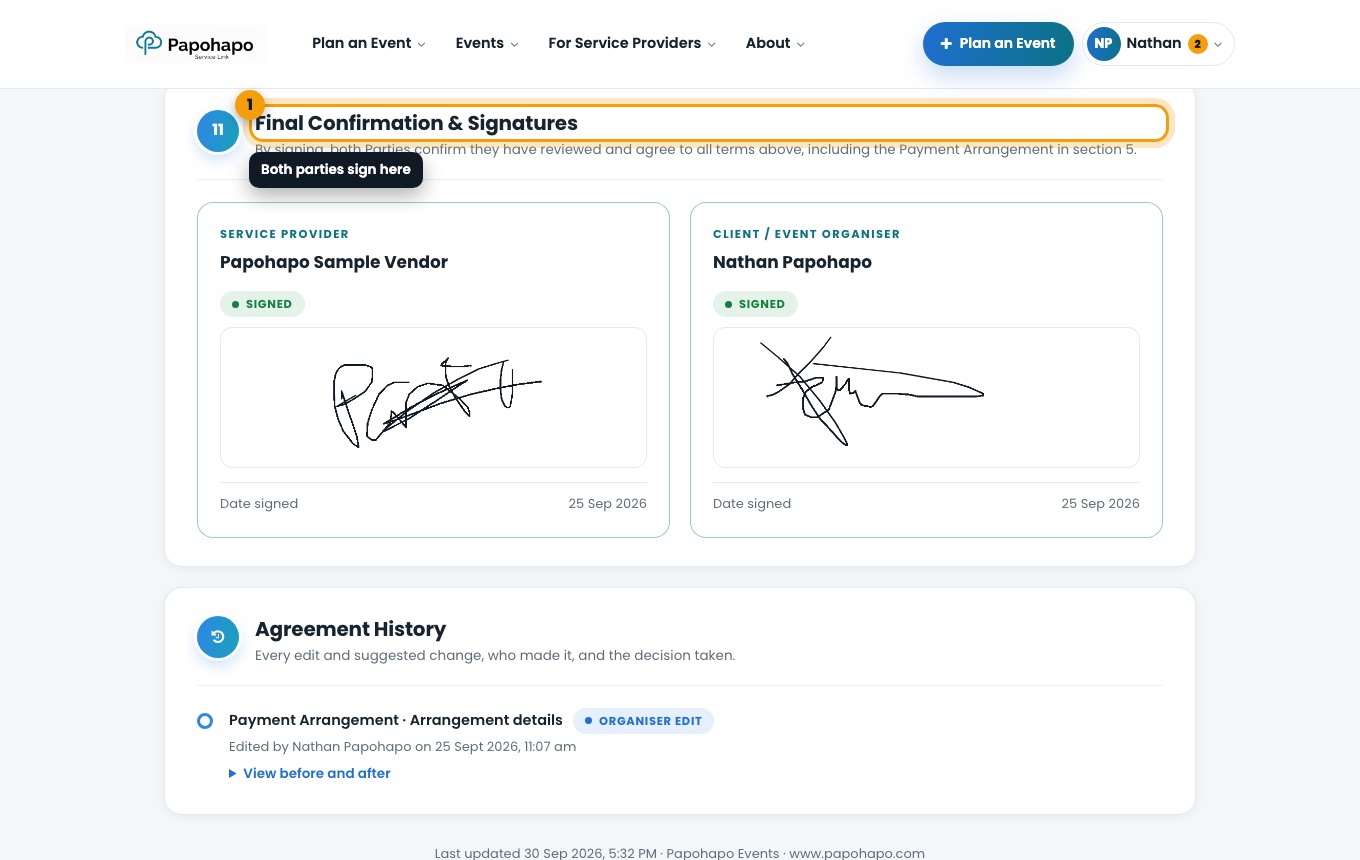
Signing happens in the Final Confirmation & Signatures section of the agreement.
Why it matters
The agreement only takes effect when both you and the provider have signed.
How to do it
Open the signature section
Open the agreement and scroll to Final Confirmation & Signatures.
Both parties sign here. Sign
Sign in the box and confirm. If the provider has not signed yet, we remind them by email.
Keep a copy
Choose Download PDF to save or print the signed agreement.
Good to know
After signing, the selected quote becomes a sales order and the request closes to other quotes.