What is this?
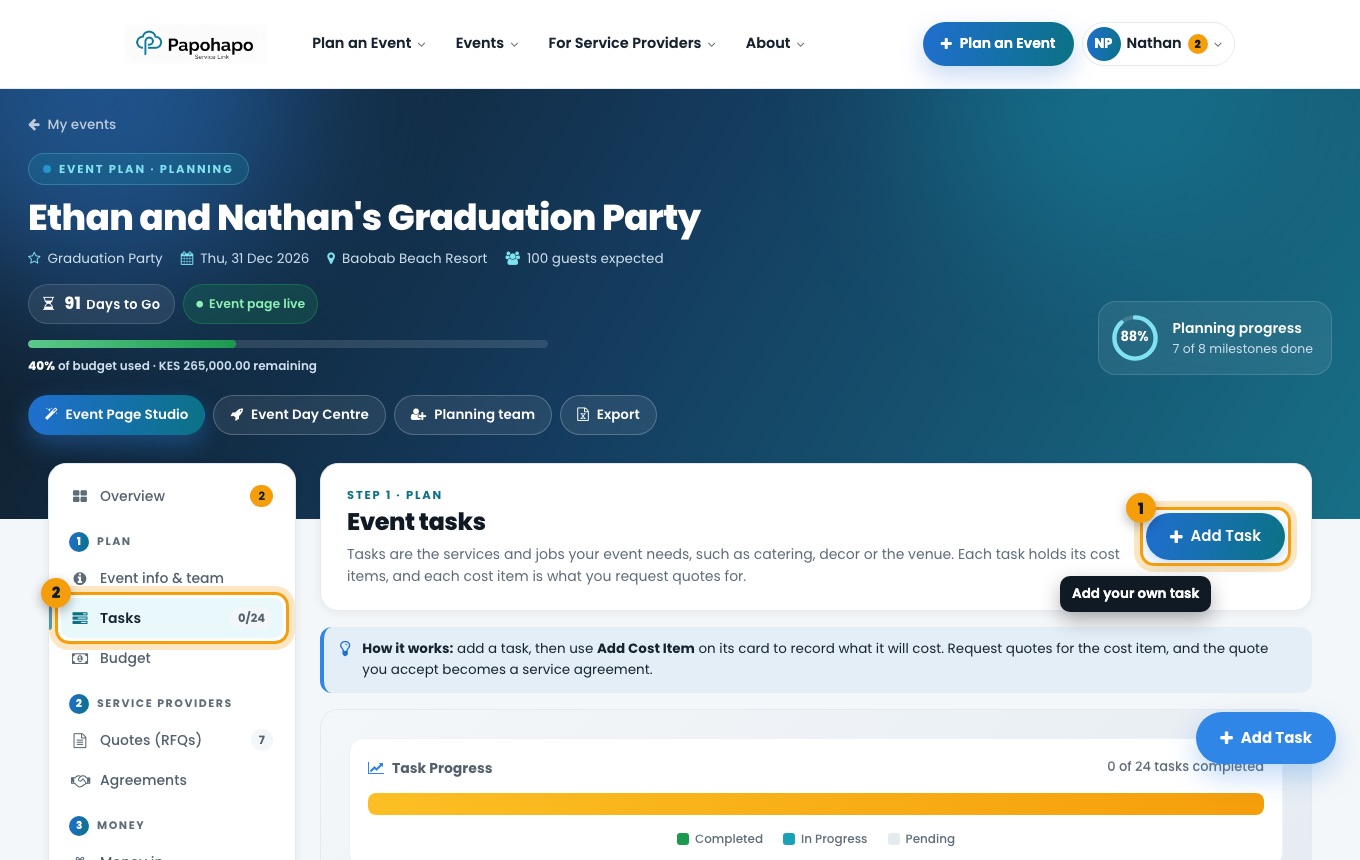
Tasks are the services and jobs your event needs, such as catering, décor or the venue.
Why it matters
Each task can hold cost items, and each cost item is what you request quotes for. Ticking tasks off moves your plan forward.
How to do it
Open Tasks
Choose Tasks under Plan. Filter by status to see what is open.
Your event tasks. Add your own task
Choose Add Task, give it a name and, if it is an event service, a service category.
Add a cost item
Use Add Cost Item on a task card to record what it will cost.