What is this?
Your planning team are the people who help you plan. Each person has a role, such as planner, treasurer or committee member.
Why it matters
Everyone sees the same plan and budget. Committee members can view and comment without changing anything.
How to do it
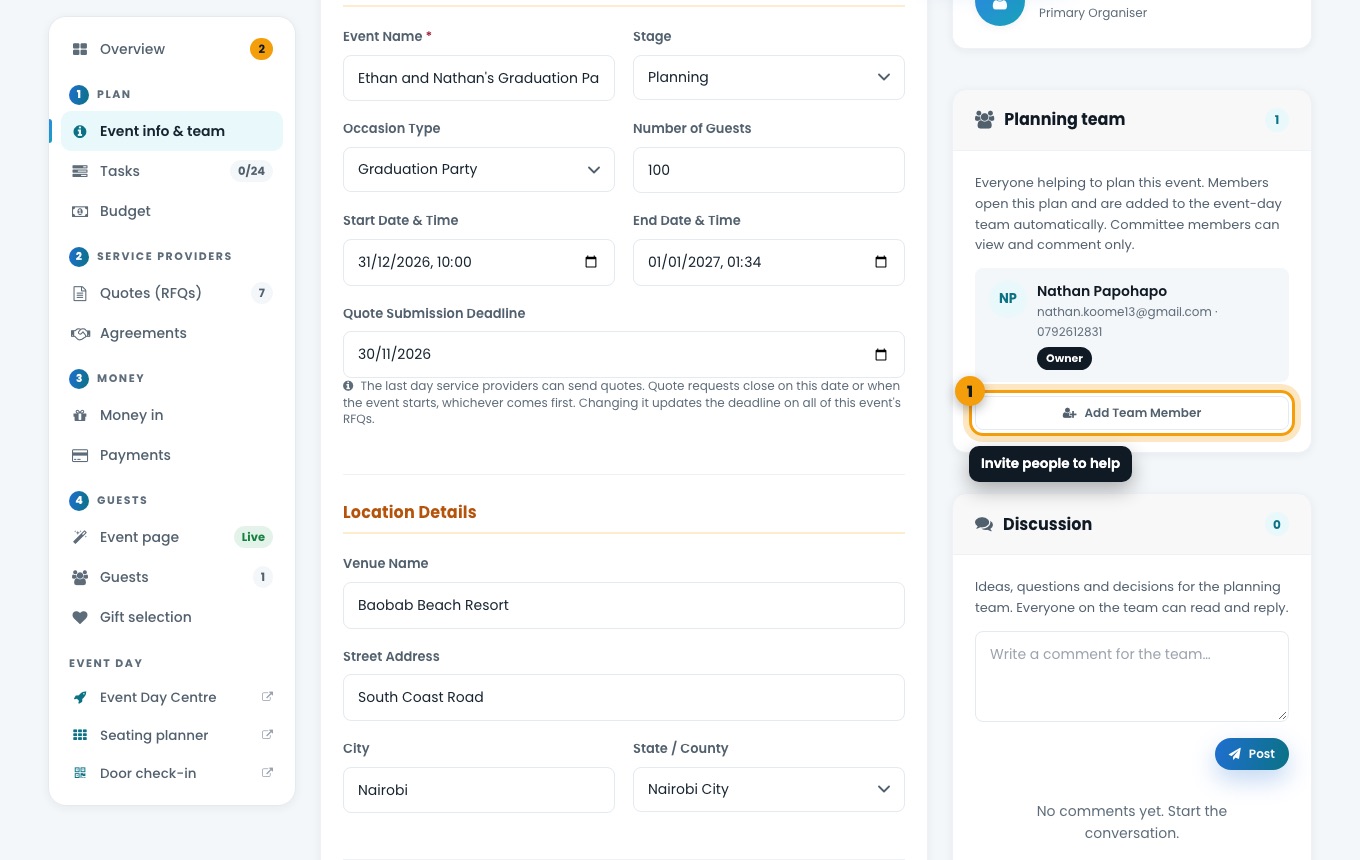
Open the Planning team card
Go to Event info & team, or choose Planning team at the top of your plan.
The Planning team and Discussion cards. Add a team member
Choose Add Team Member, enter their email address and choose a role. If they do not have an account yet, they are invited to join.
Talk it through in Discussion
Use Discussion for questions and decisions. Everyone on the team can read and reply.