What is this?
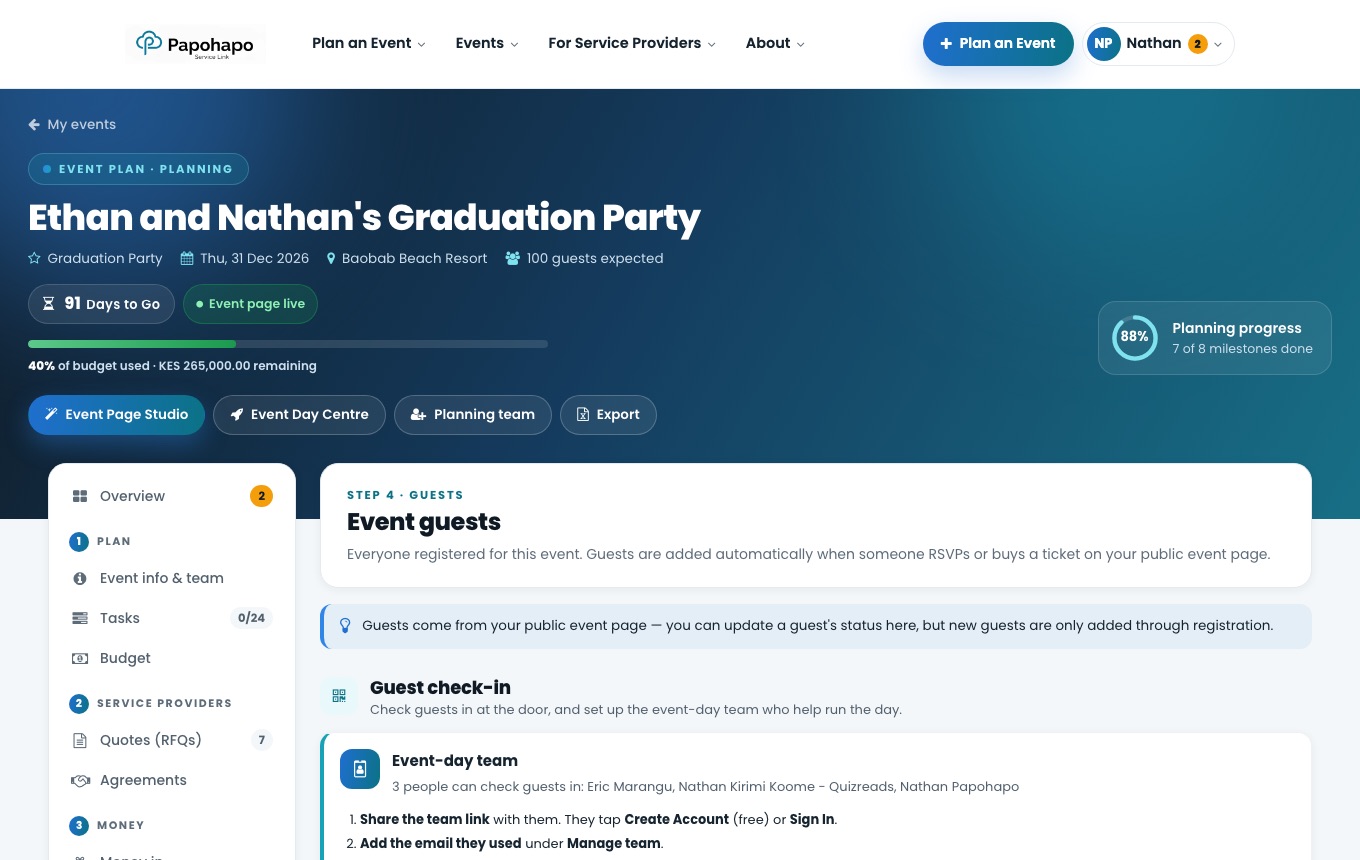
Guests are added automatically when someone RSVPs or gets a ticket on your event page.
Why it matters
You always have an up-to-date list, and can plan seating and check-in from it.
How to do it
Open Guests
Choose Guests under Guests.
Guests with check-in and seating. Filter and export
Filter by status or RSVP answer, then Export CSV or Print list.
Seat your guests
Choose Open Seating Planner to set up tables and place guests. Their table shows at door check-in.