What is this?
Your event page is the page your guests see: the story, programme, venue, RSVP and gift registry.
Why it matters
One link gives every guest the details, and RSVPs go straight into your guest list.
How to do it
Open the Studio
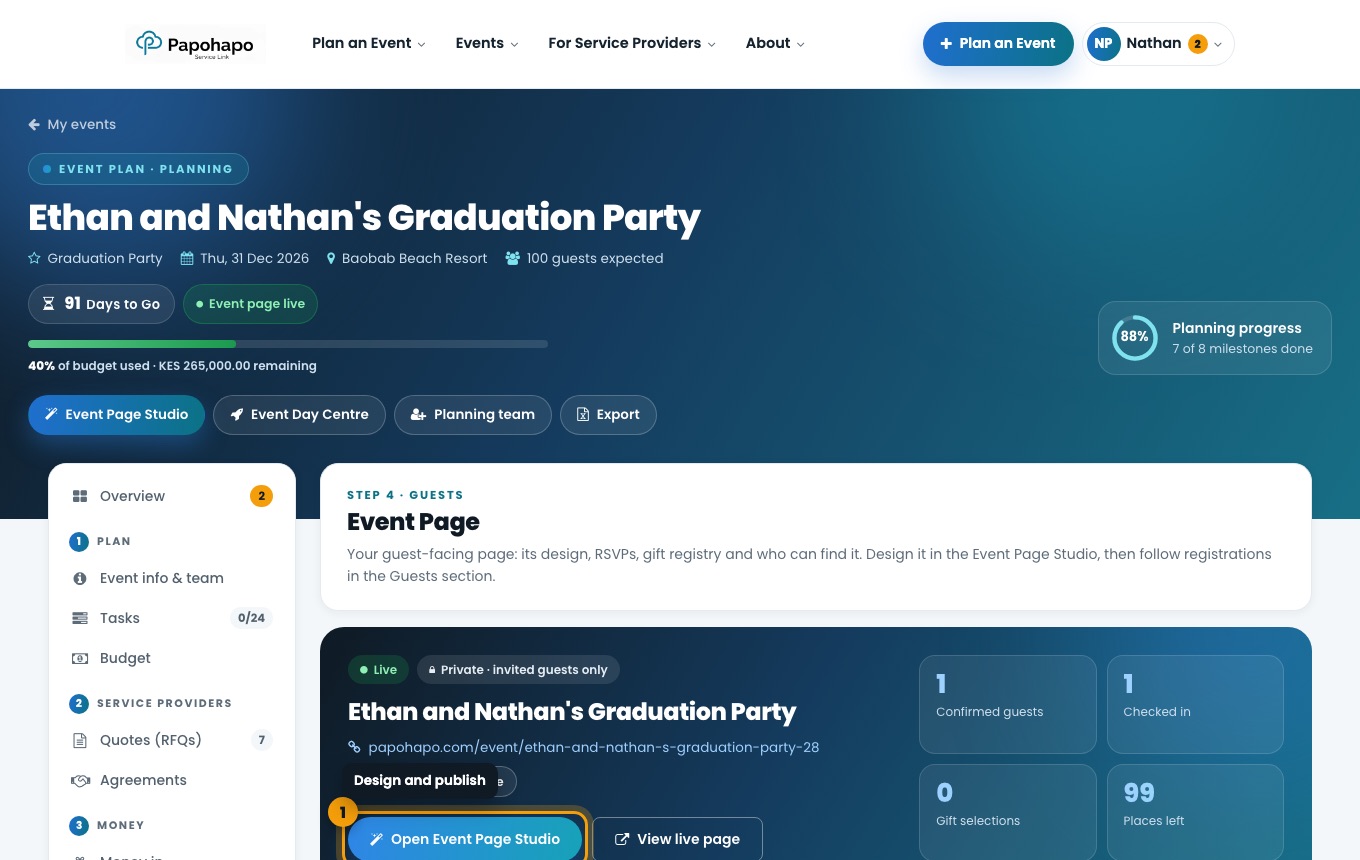
Choose Event Page Studio at the top of your plan, or Open Event Page Studio under Event page.
The Event page section of your plan. Design
Pick a style and colours, add a cover photo and choose which page sections to show.
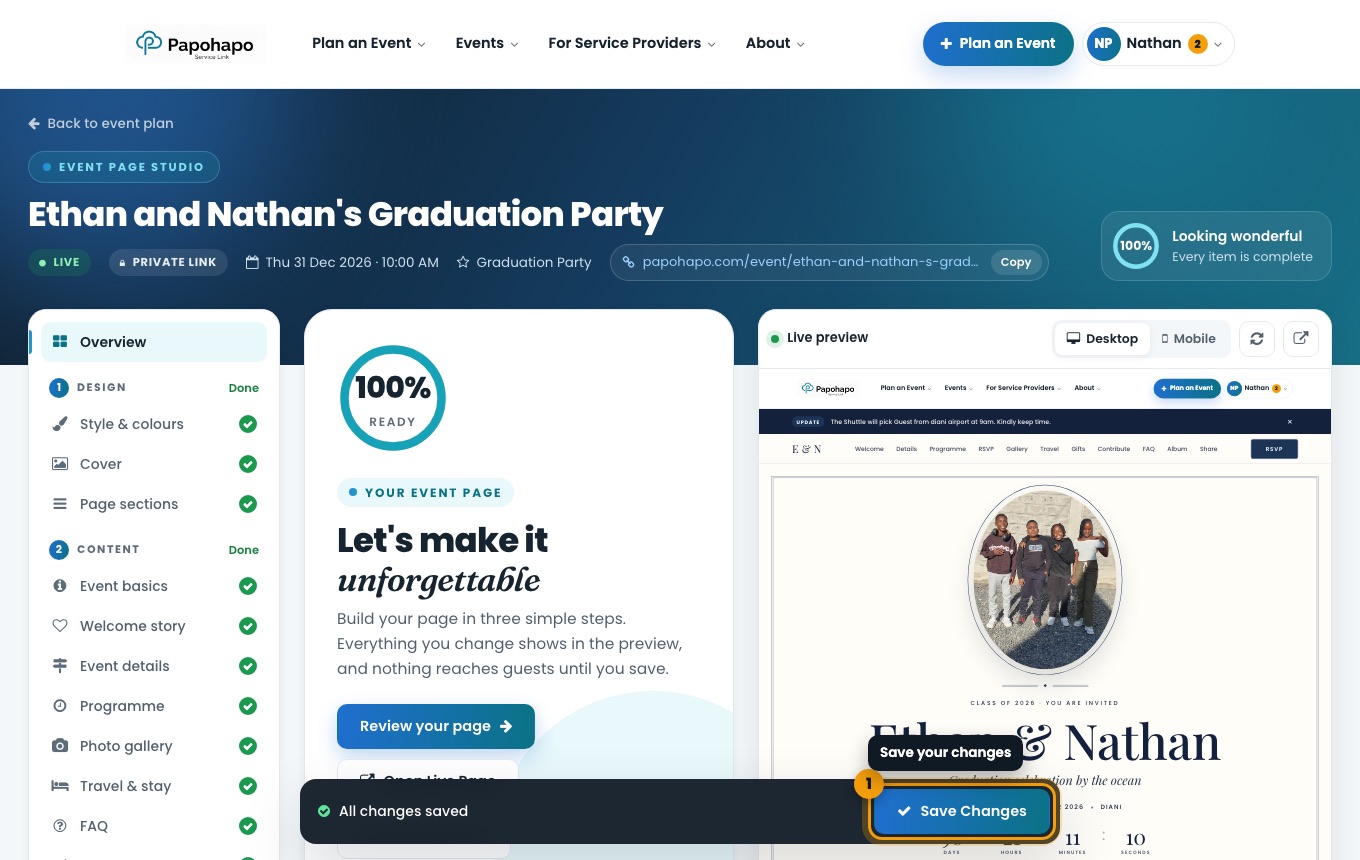
The Event Page Studio with live preview. Add your content
Fill in Event basics, Welcome story, Event details, Programme, Photo gallery, Travel & stay and FAQ.
Set up guests
Use RSVP & tickets, Gift registry, Contributions and Sharing & social.
Save and share
Choose Save Changes. Copy the link or share it from the Event page section.
Tip
Under Who can find it, keep the page as a private link or list it publicly on Papohapo Events.