What is this?
Your gift registry lets guests reserve a gift or pledge towards a fund from your event page. They do not need an account.
Why it matters
No duplicate gifts, and you can see who reserved what.
How to do it
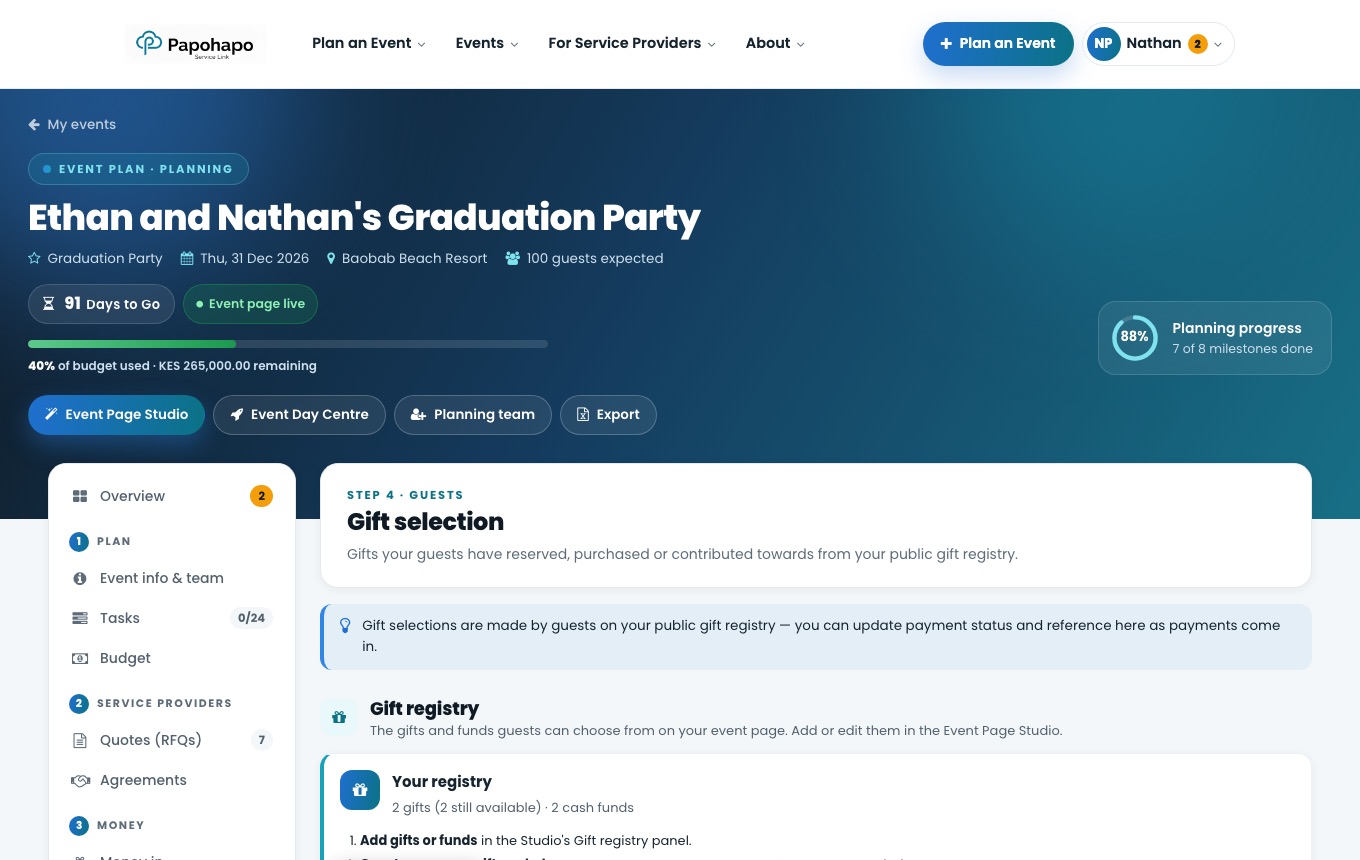
Open Gift selection
Choose Gift selection under Guests.
Gift selection. Add gifts and funds
Choose Manage gift registry to add them in the Studio’s Gift registry panel.
Track selections
See every reservation and pledge, filter by payment status, and export the list.