What is this?
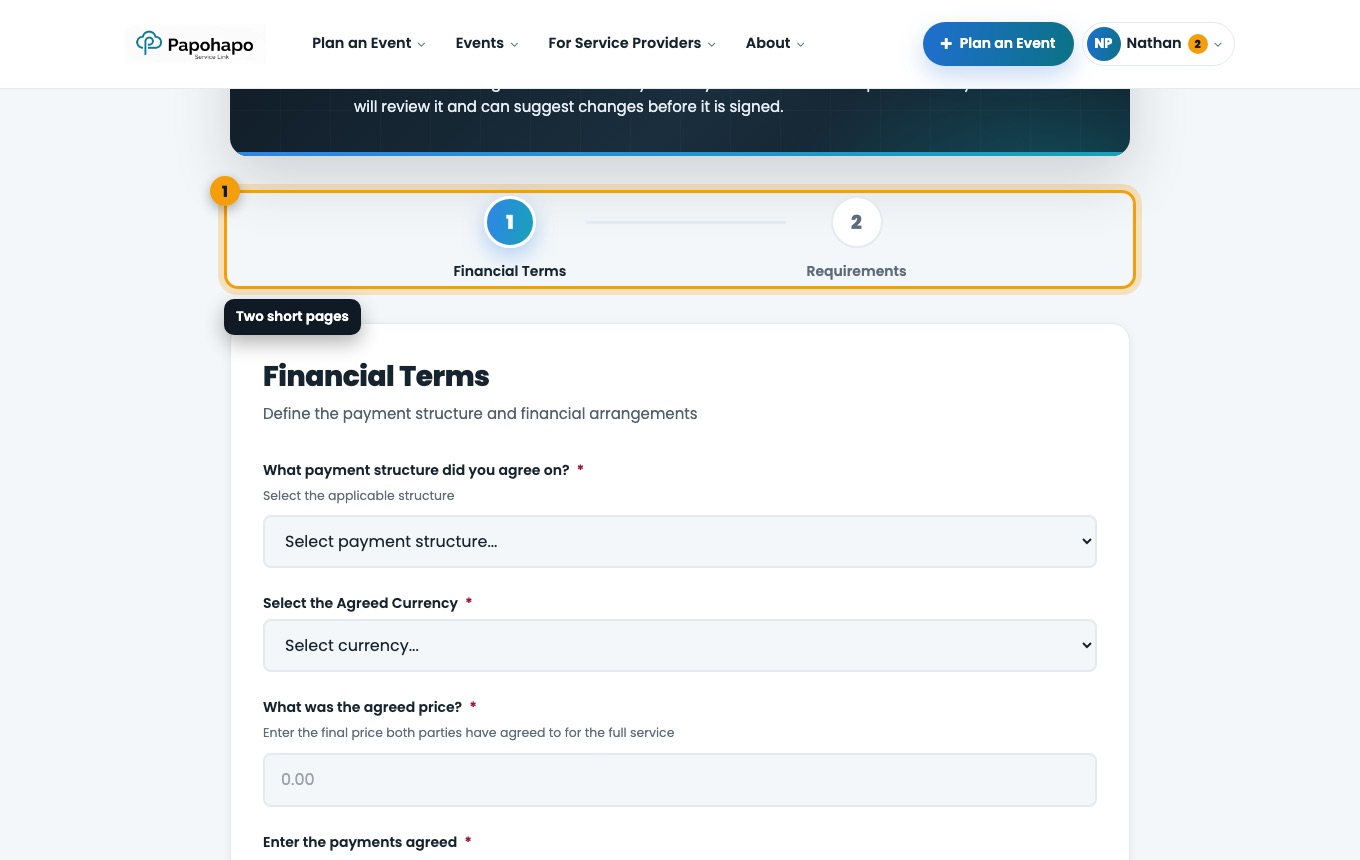
When you select a finalist, the Create Service Agreement page opens in two parts: Financial Terms and Requirements.
Why it matters
These terms become the agreement your provider reviews, so set them to match what you discussed.
How to do it
Financial terms
Choose the payment structure (Full payment upfront, Deposit + balance or Custom arrangement), the currency and the agreed price.
Financial Terms. Add the payments
Use Add Payment for each deposit, instalment and balance, with its amount and due date. The payments must add up to the agreed price.
Choose who handles payments
Papohapo will handle payments: Papohapo pays the provider from your Event Wallet after you approve each payment. I will handle payments myself: you pay the provider directly.
Requirements
Confirm the requirements and specifications, tick the confirmation and save. Your draft agreement opens.