What is this?
Creating an event sets up your event plan, the workspace for everything else.
Why it matters
The occasion, date, guests and services you choose here are used to suggest tasks and budget lines, so you start with a plan instead of a blank page.
How to do it
Open My Events
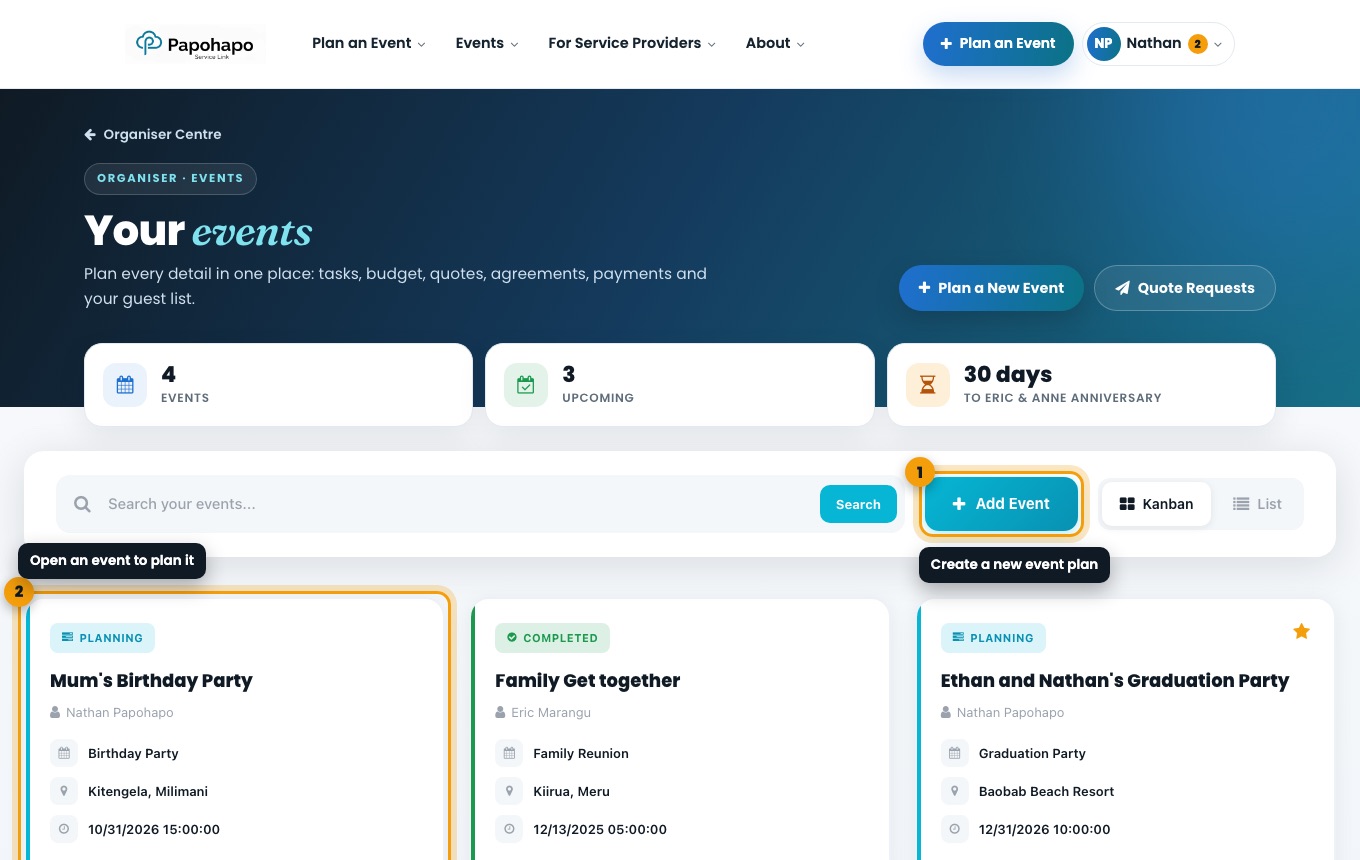
Choose Plan an Event at the top of any page, or Plan a New Event in your Organiser Centre. On My Events, choose Add Event.
My Events lists every event you are planning. Step 1: Event info
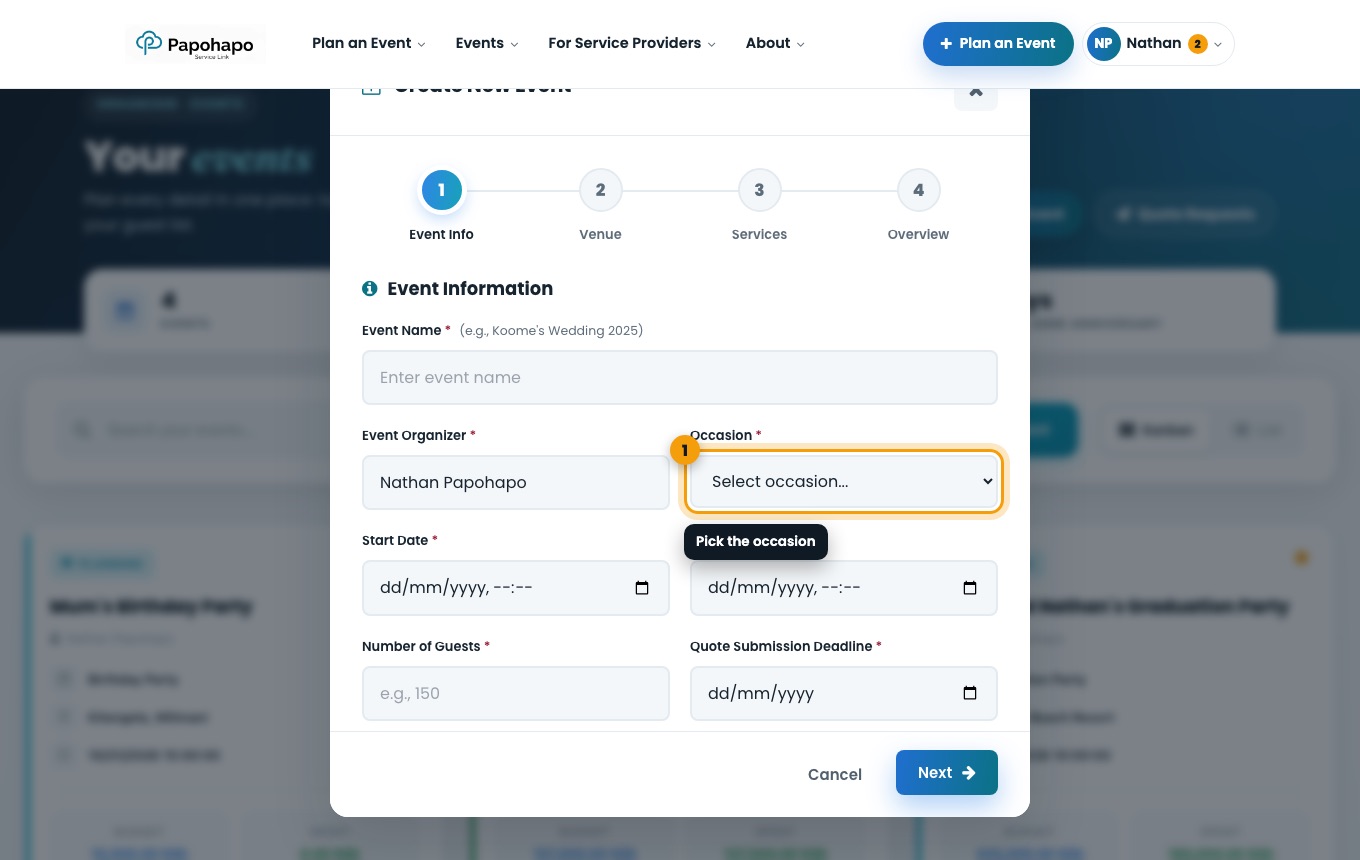
Enter the event name, choose the Occasion, and add the start and end dates, number of guests and the Quote Submission Deadline, the last day service providers can quote.
The Create New Event window. Step 2: Venue
Add the venue name and location. You can change it later in Event info & team.
Step 3: Services
Tick the services you need. Services recommended for your occasion are suggested for you. Each service becomes a task, and most also get a budget line.
Step 4: Overview
Check the summary and create the event. Your new event plan opens.
Set the quote deadline a few weeks before the event, so providers have time to quote and you have time to compare.
Quote requests close on the quote deadline or when the event starts, whichever comes first.