What is this?
A package request asks the package’s provider for a quote, based on your event and the add-ons you choose.
Why it matters
It is the fastest route when you have found a package you like. You can still compare it with other providers.
How to do it
Open the package and choose Request a Quote
The request opens with the package, starting price and provider at the top.
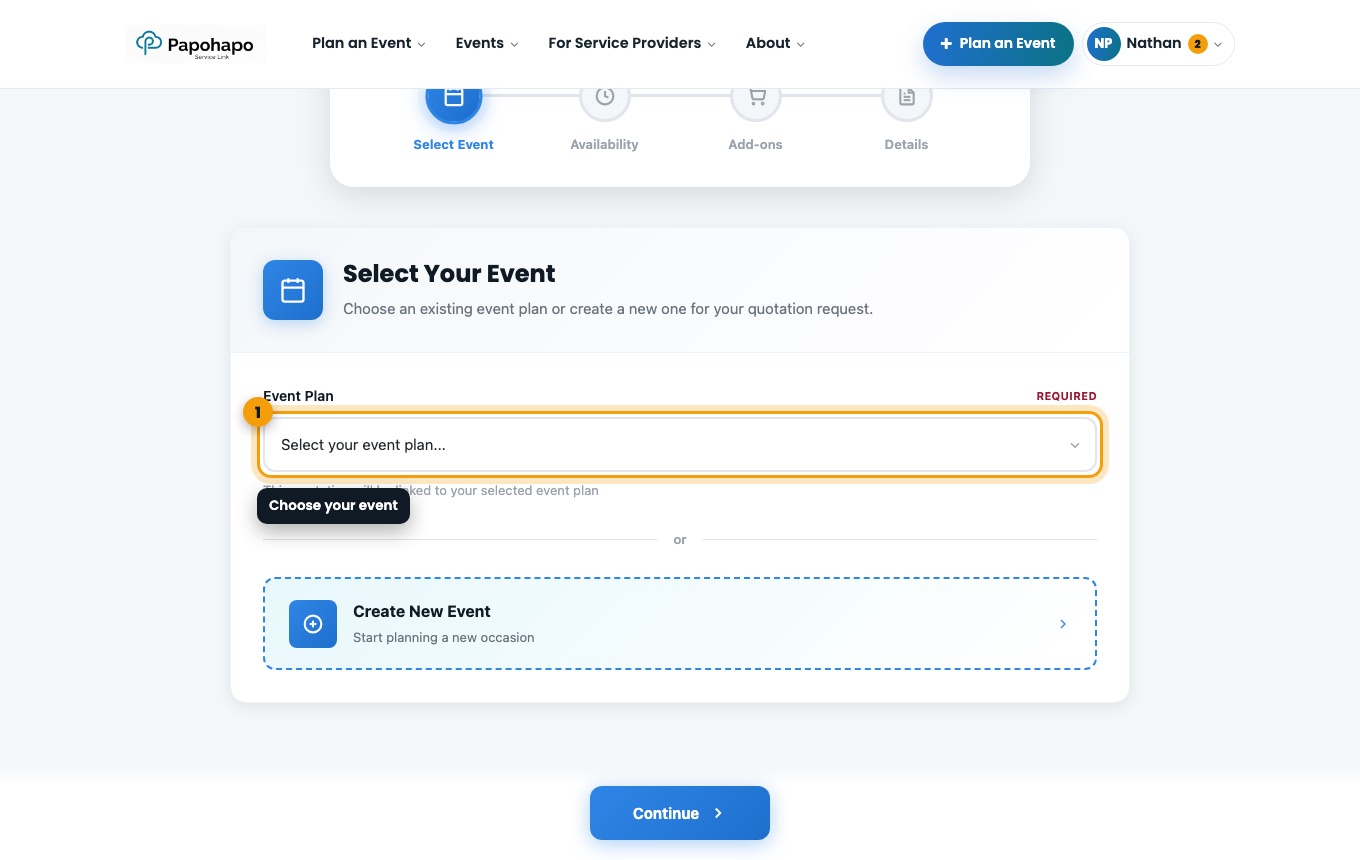
Request a quote for a package. Choose your event
Select the event plan, or create a new event. Events past their quote cut-off cannot be chosen.
Check availability and add-ons
See whether the provider is available on your date, then choose any optional add-ons.
Decide who should quote
Your request always goes to the package’s provider. Leave Also get quotes from other service providers switched on to receive comparable quotes as well.
Tip
Kept it private? You can open it to other providers later with Open to All Providers on the request page.