What is this?
While the agreement is a draft, you can edit every section: event details, services, pricing, payment arrangement, schedule, deliverables, responsibilities and terms.
Why it matters
Getting the terms right before you share saves a round of changes.
How to do it
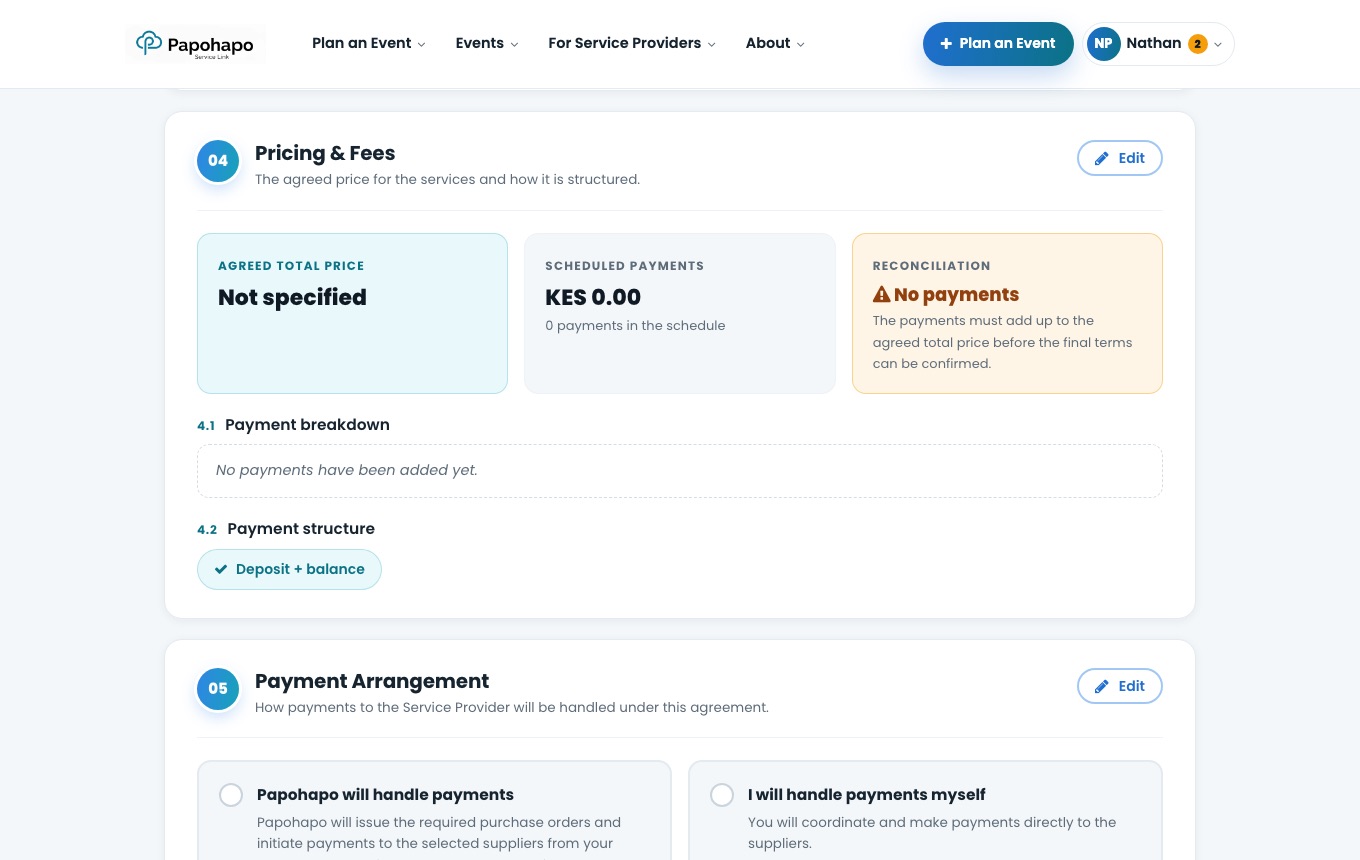
Edit a section
Choose Edit on any section, make your changes and save.
Each section has its own Edit button. Share for review
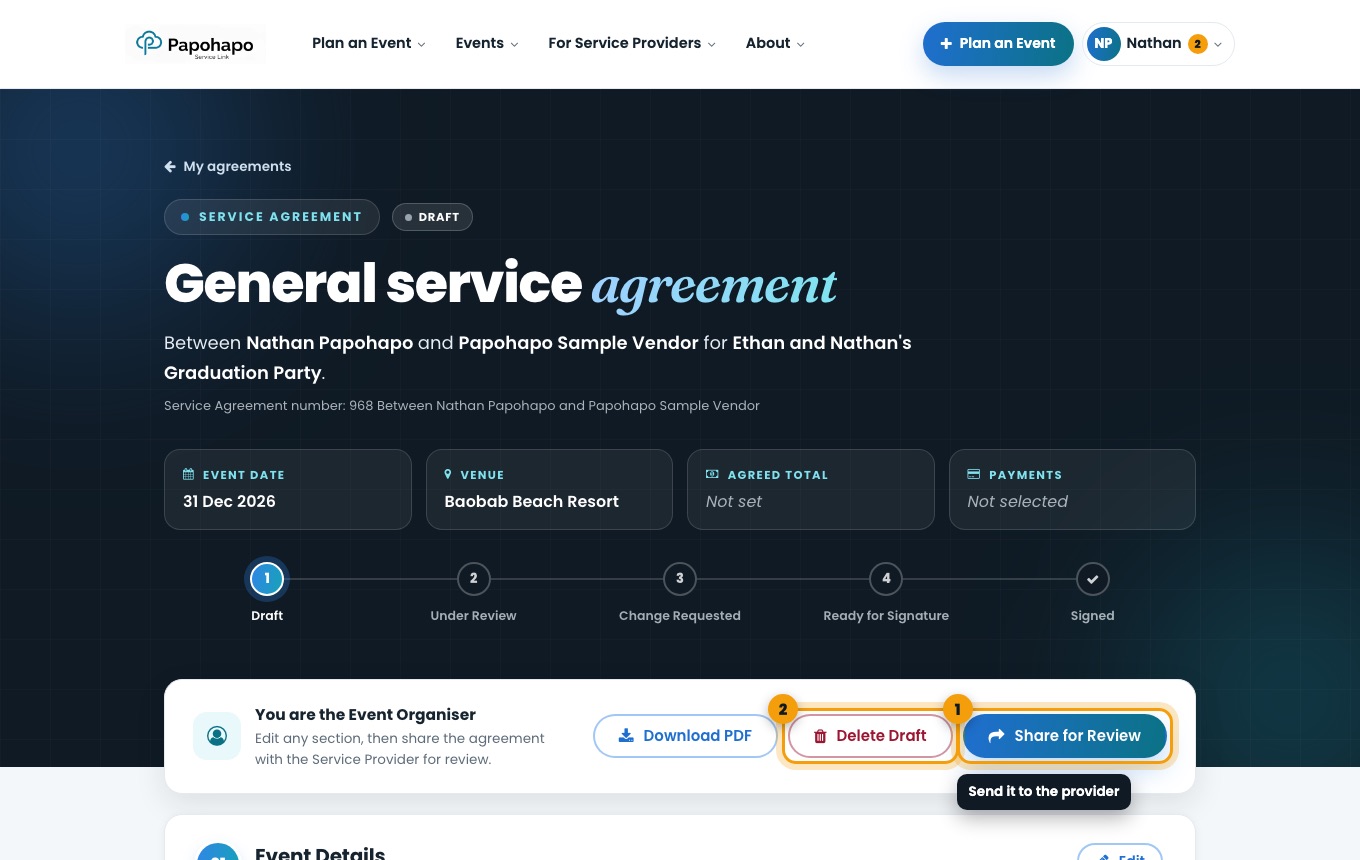
Choose Share for Review. The provider is emailed and can review the terms.
Share for Review or Delete Draft.
Tip
Changed your mind before sharing? Delete Draft removes the draft and frees the quote.