What is this?
A Request for Quotation (RFQ) invites service providers to quote for one of your cost items.
Why it matters
One request reaches every matching provider, and their quotes come back to you side by side.
How to do it
Start a request
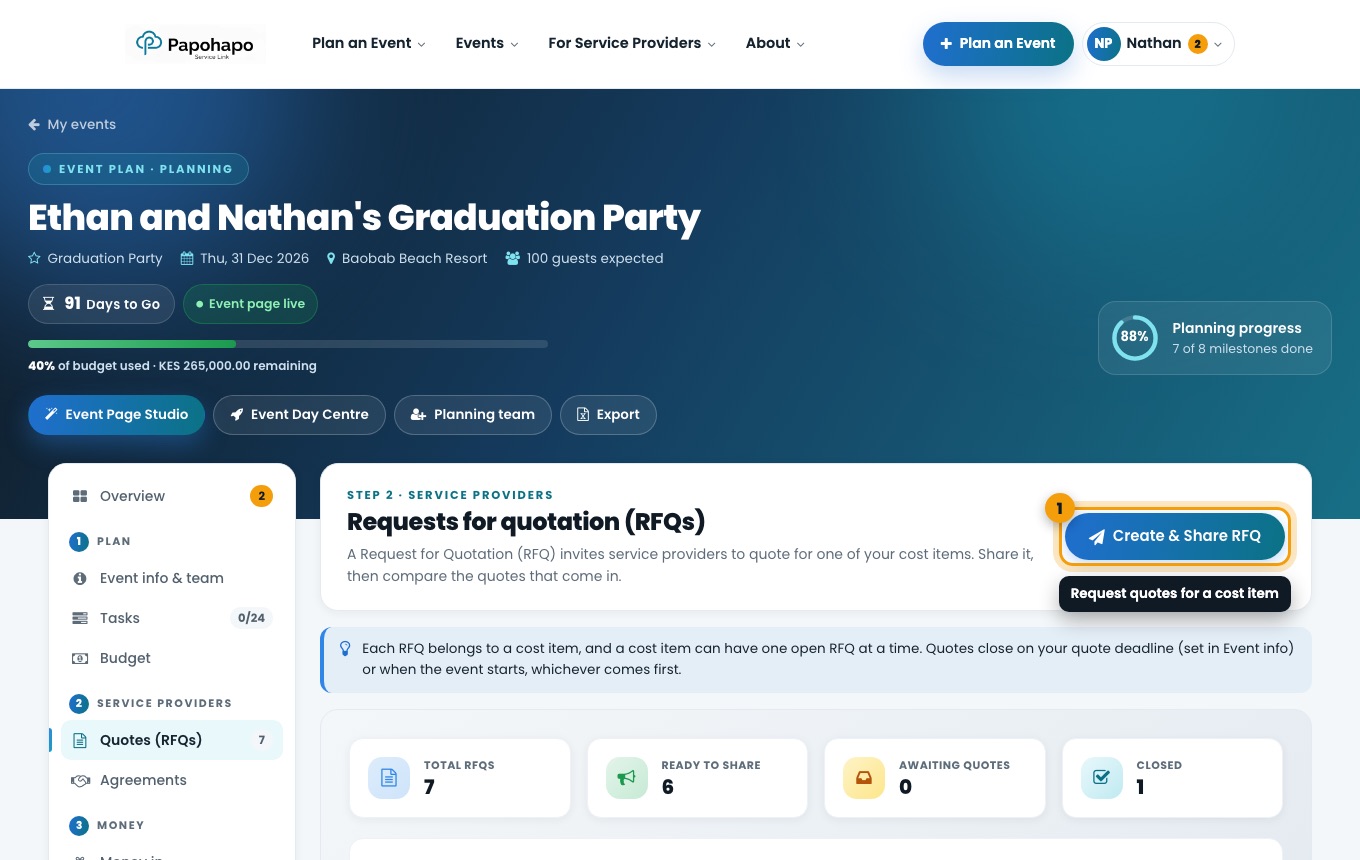
Use Get Quotes, Request Quotes on a cost item in Budget, or Create & Share RFQ in Quotes (RFQs).
Quotes (RFQs) in your event plan. Choose the service
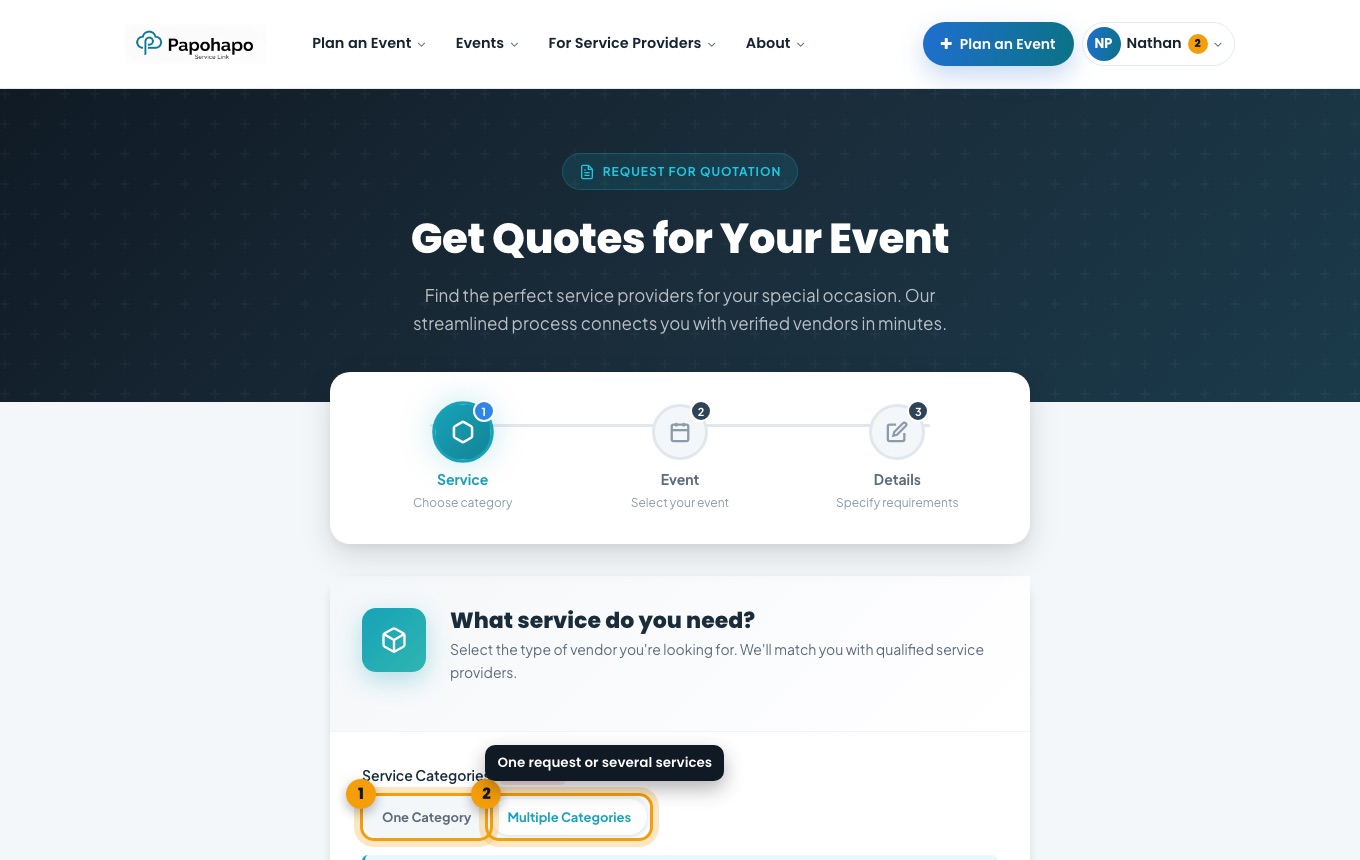
Choose One Category for a single service, or Multiple Categories when you want one provider to deliver several services together.
Step 1 of Get Quotes. Choose your event
Pick the event the request is for, or create a new event.
Answer the questions
Tell providers what you need. The more detail you give, the more accurate the quotes.
Wait for it to open
Papohapo prepares your request and publishes it. Its status moves to Open for Quotes, and matching providers can quote.
Each cost item can have one open request at a time. Requests close on your quote deadline or when the event starts, whichever comes first.