What is this?
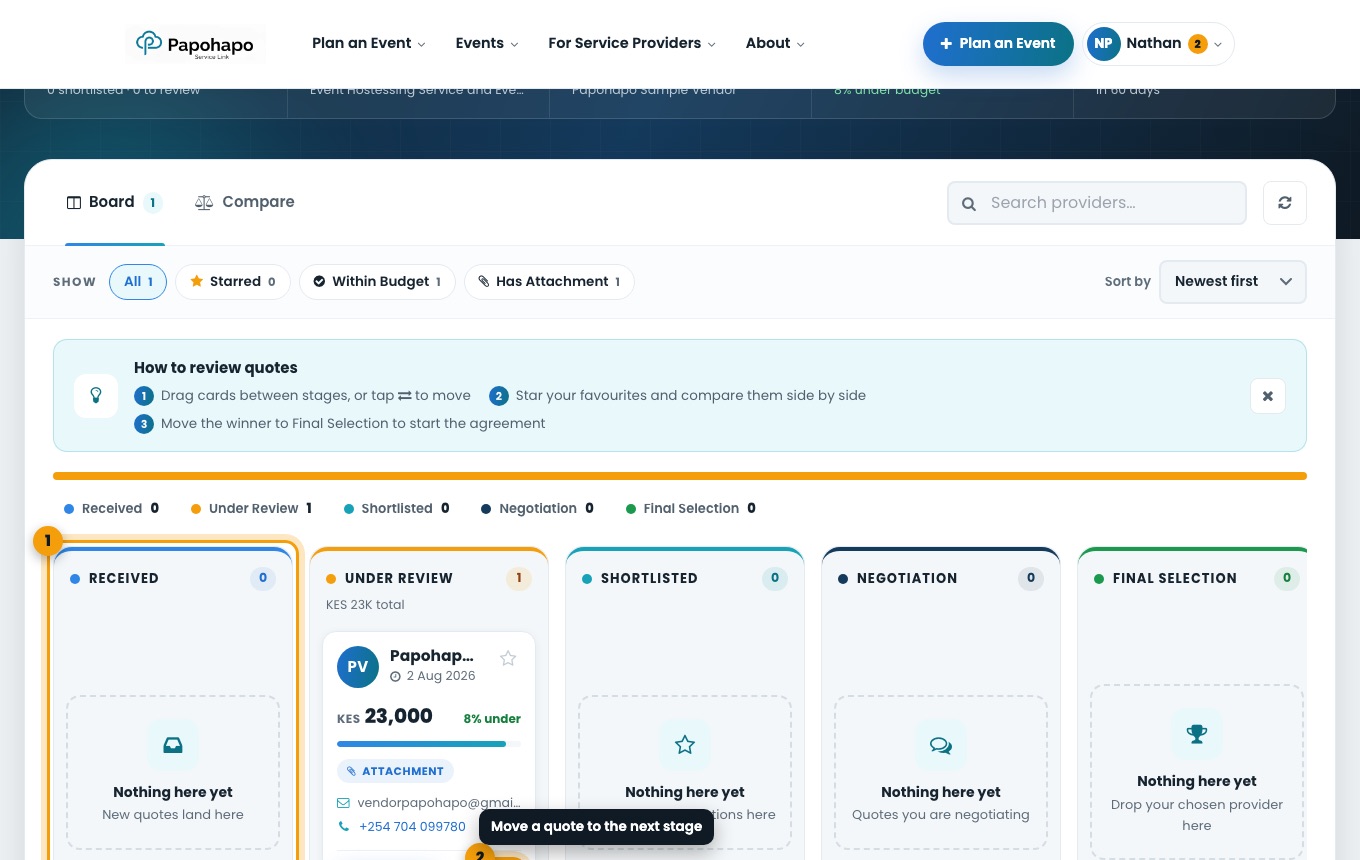
Every quote for a request lands on its review board, in stages from Received to Final Selection.
Why it matters
Moving quotes through the stages keeps track of your decisions, and the finalist becomes your service agreement.
How to do it
Open the request
From your Organiser Centre choose Compare, or open the request in My RFQs.
Review on the board
Drag a quote between stages, or use the move control on its card: Received, Under Review, Shortlisted, Negotiation, Final Selection.
The quote review board. Compare side by side
Choose Compare to see prices and details together. Star your favourites, or filter by Within Budget.
Message a provider
Ask for a call, a revised quote, a cost breakdown or confirmation of availability.
Select your finalist
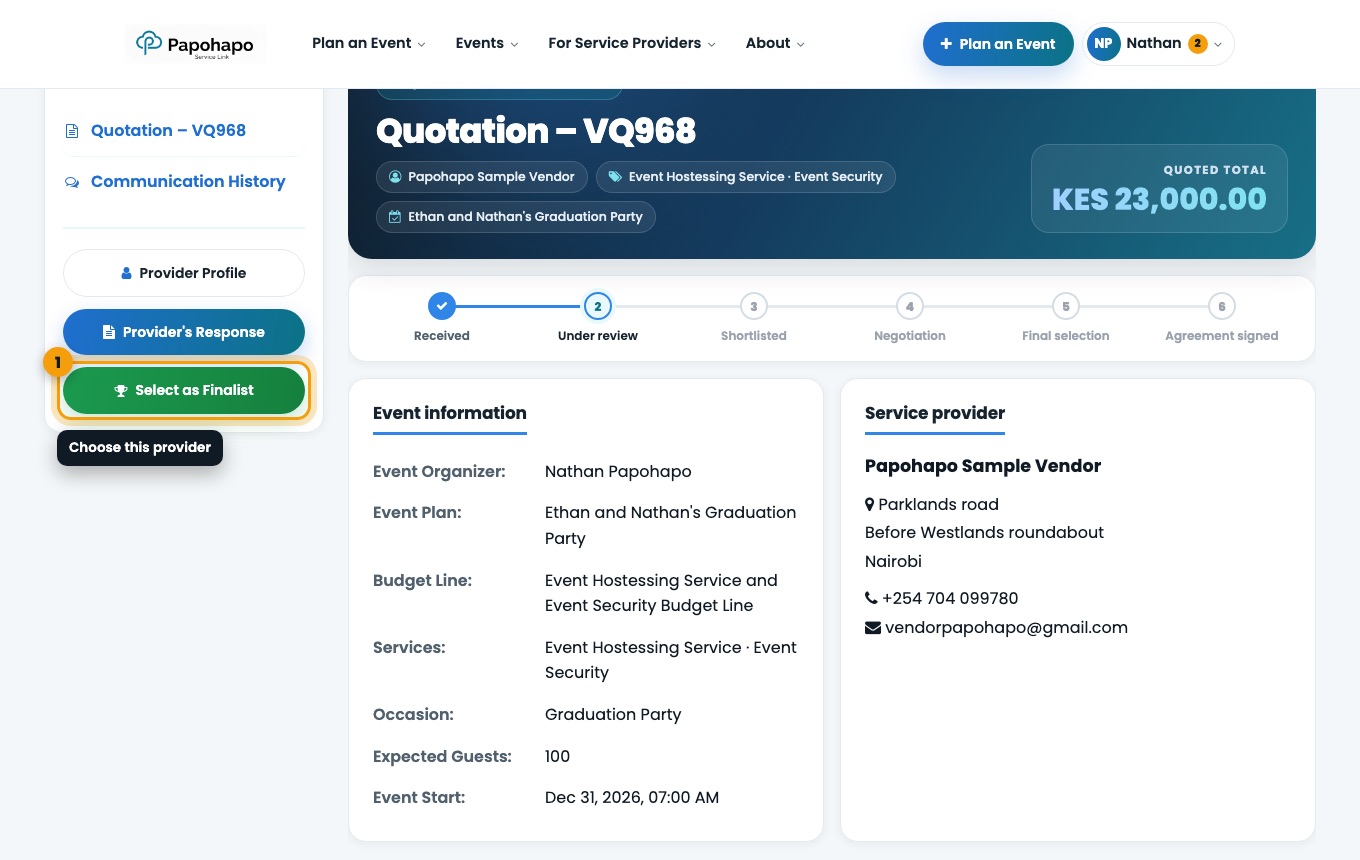
Move the winning quote to Final Selection, open it and choose Select as Finalist.
Select as Finalist on the quotation page.