What is this?
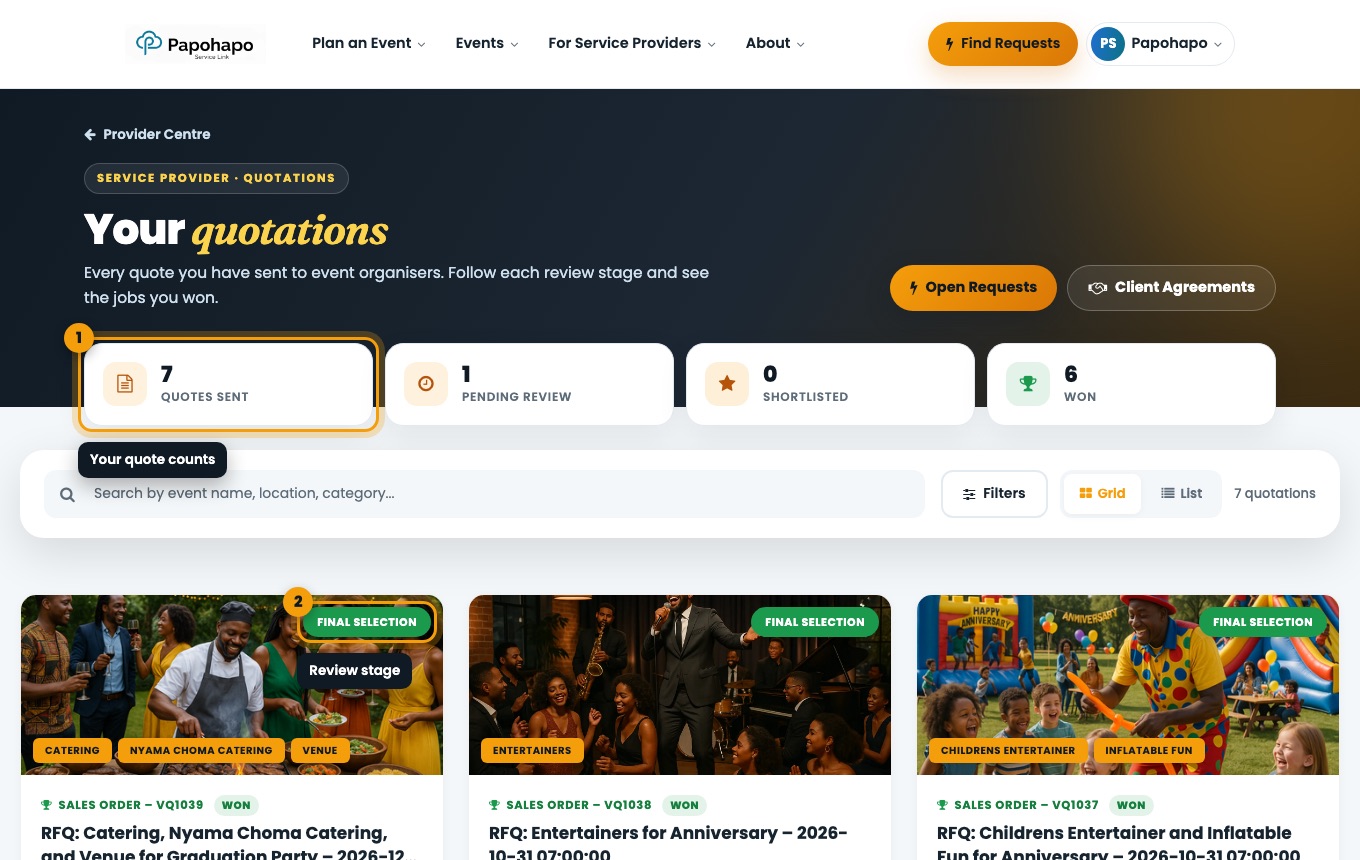
My Quotations lists every quote you have sent and its review stage.
Why it matters
You can see where each opportunity stands and which jobs you have won.
How to do it
Open My Quotations
Choose My quotations in the account menu.
Your quotations. Read the stage
Received, Under Review, Shortlisted, Negotiation or Final Selection.
Spot your wins
Won quotes show Sales Order – VQ… once the agreement is signed.