What is this?
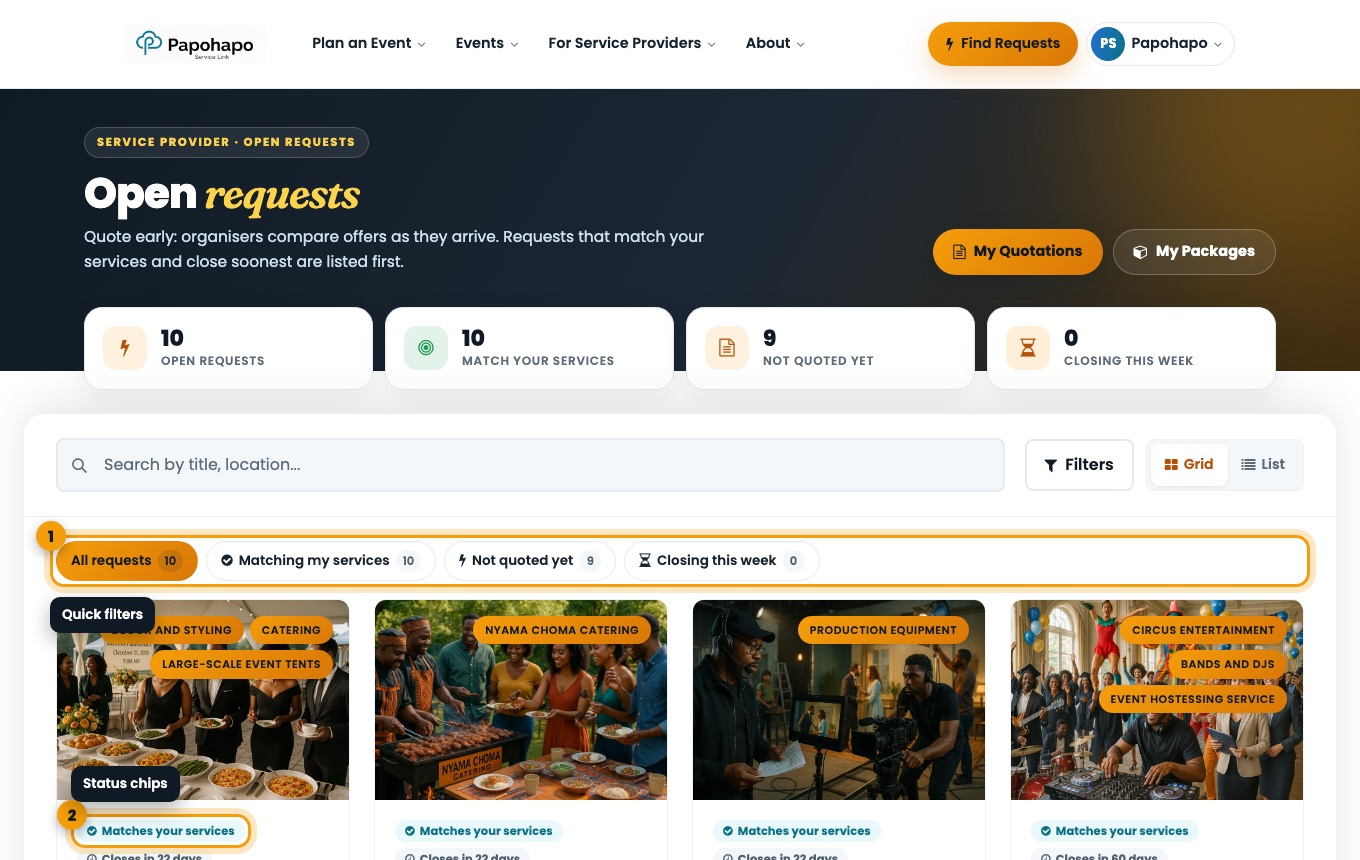
Open Requests lists every request you can quote on.
Why it matters
Quoting early matters: organisers compare offers as they arrive.
How to do it
Open Open Requests
Choose Find Open Requests or Find Requests at the top of the page.
Open requests with quick filters. Filter
Use All requests, Matching my services, Not quoted yet and Closing this week.
Read the chips
Cards show “You quoted”, “Draft started”, “Matches your services” and how many days until the request closes.
Open a request
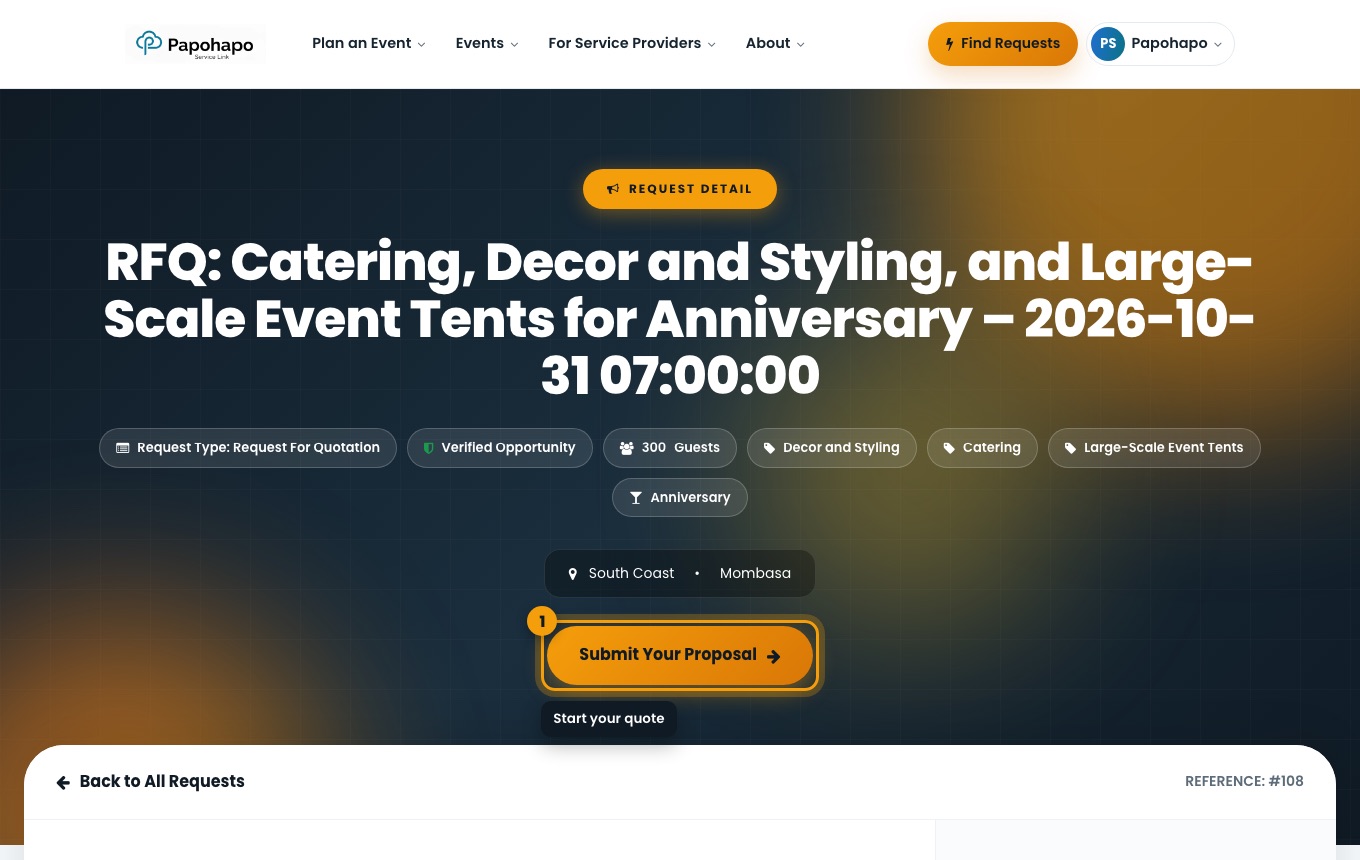
Read the requirements and event details, then choose Submit Your Proposal.
A request in detail.