What is this?
A package is a ready-made offer: what is included, optional extras, capacity, availability, payment terms and a starting price.
Why it matters
Organisers can request a quote for a package directly, which is the quickest route to a booking.
How to do it
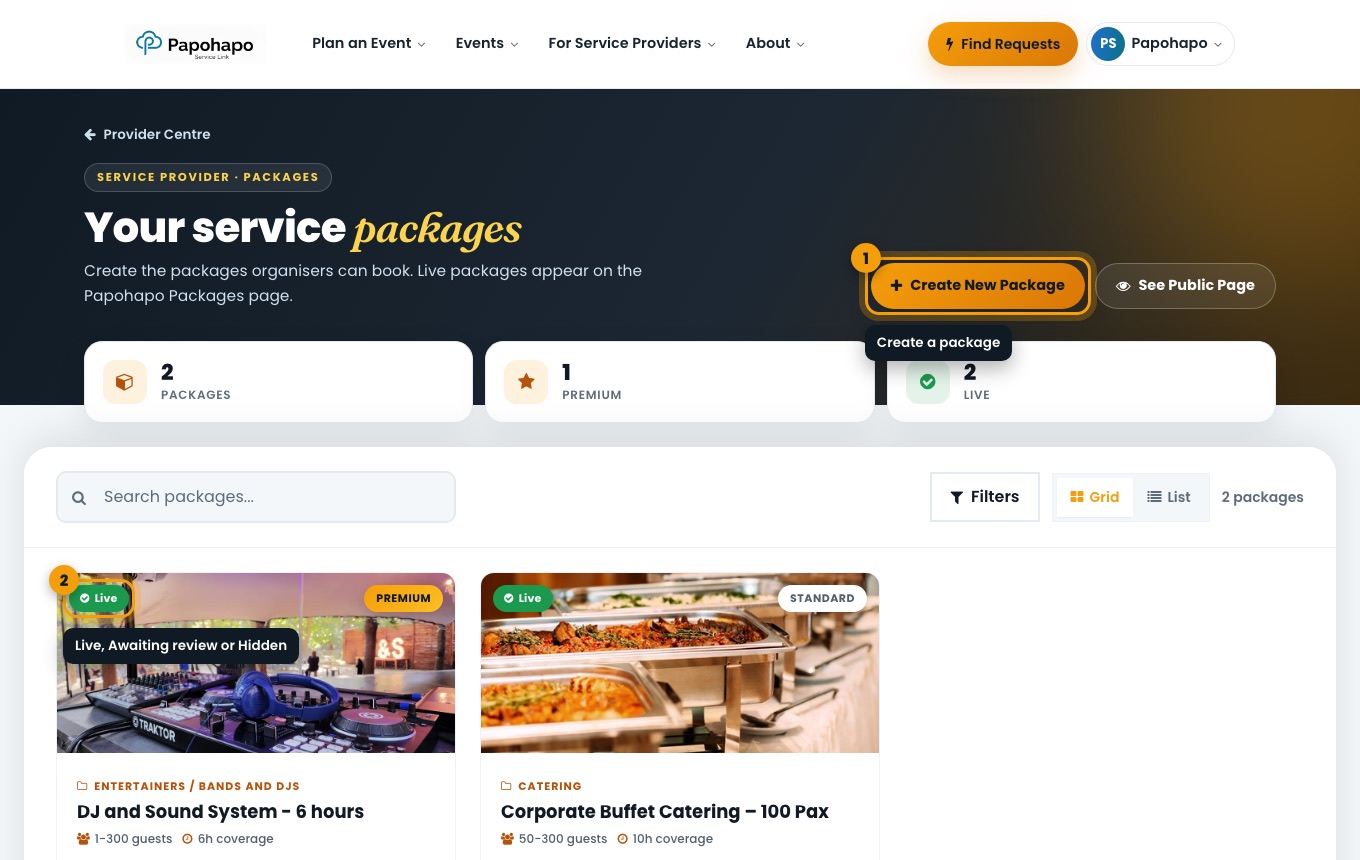
Open My Packages
Choose My Packages in your Provider Centre.
Your service packages. Choose Create New Package
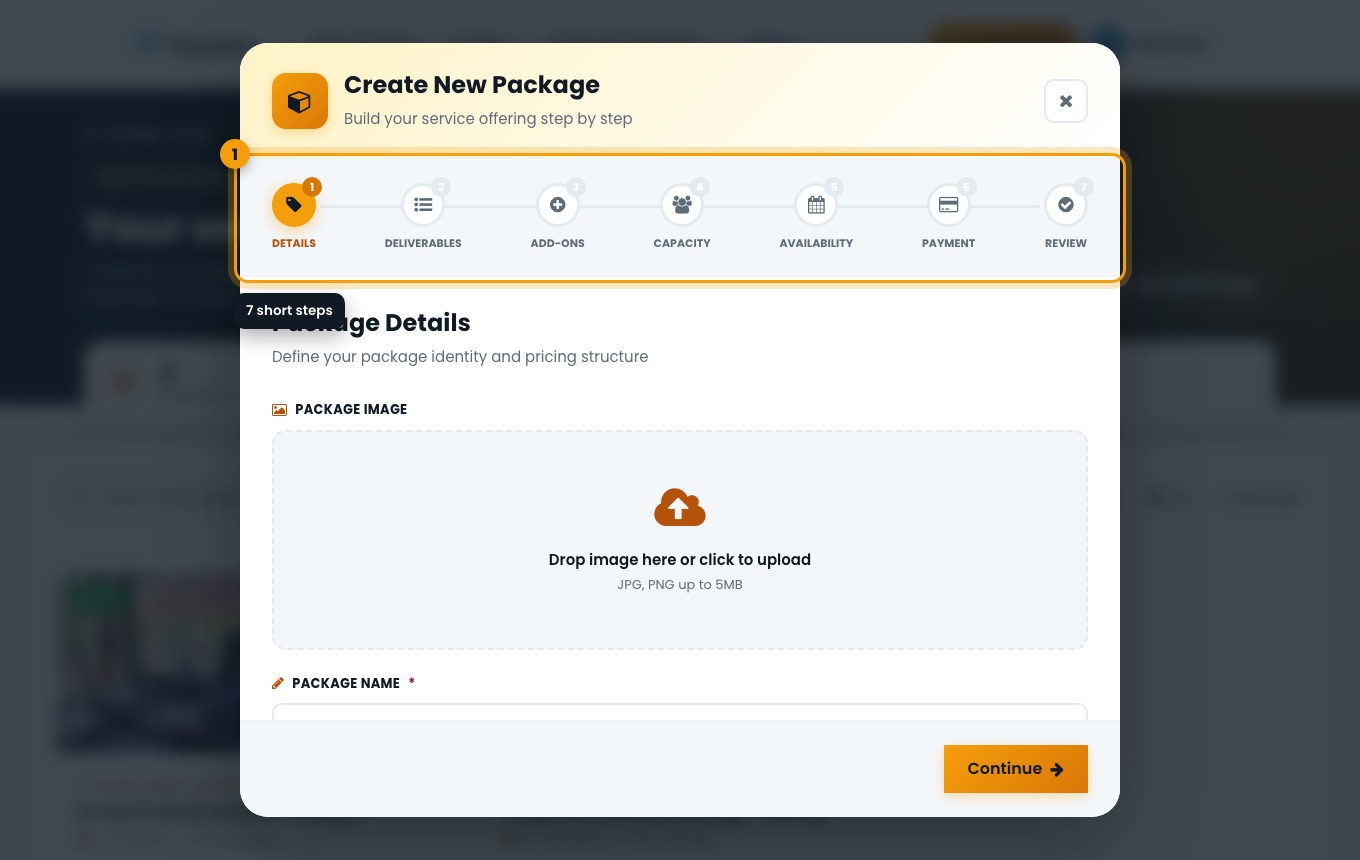
Work through the steps: Details, Deliverables, Add-ons, Capacity, Availability, Payment and Review.
Create New Package. Add a clear photo and name
Use a real photo of your work and a name that says what the package is, for example “DJ and Sound System – 6 hours”.
Review and publish
Check the summary and create the package.