What is this?
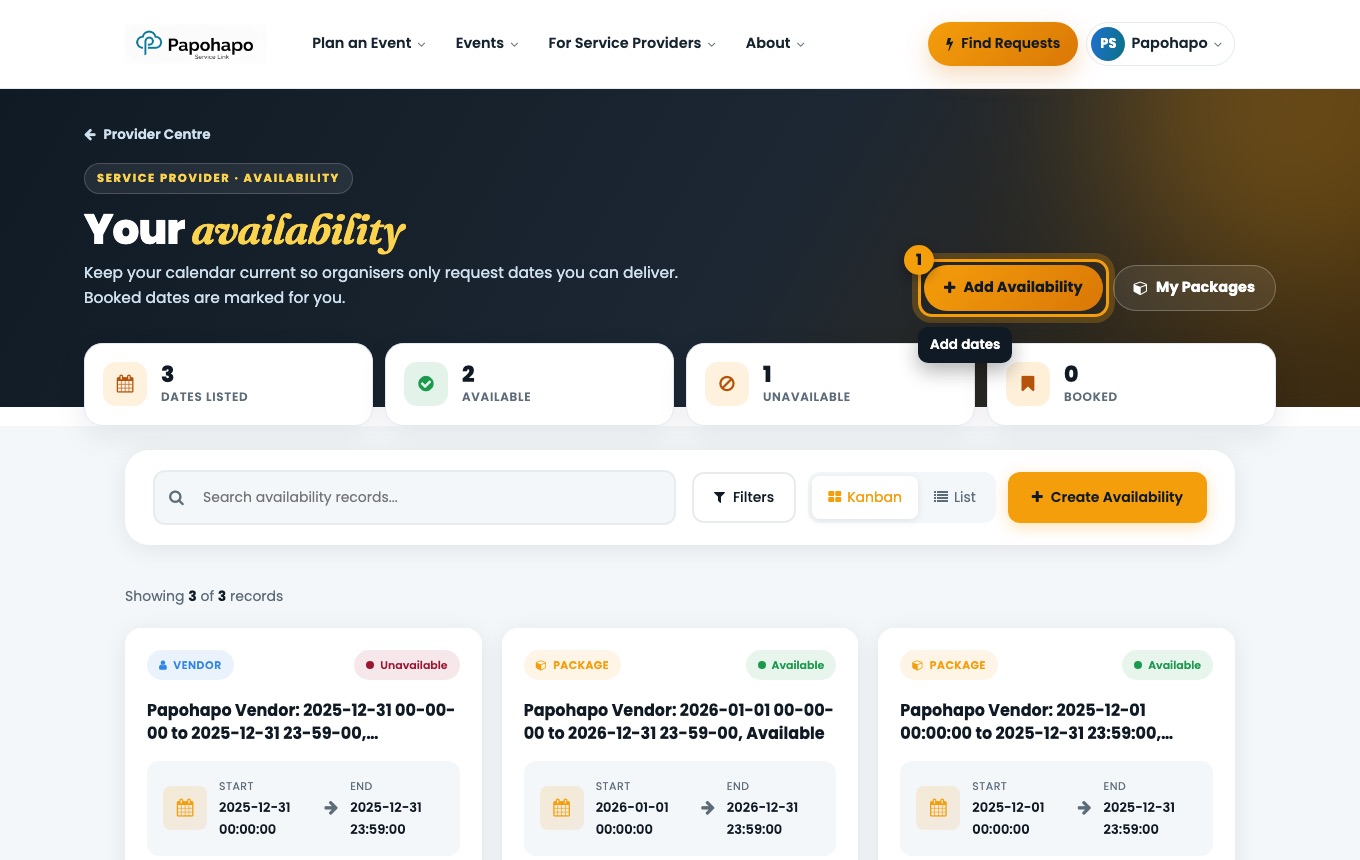
Your availability tells organisers when you can take bookings.
Why it matters
Organisers check it when they request a package, so accurate dates mean fewer wasted requests.
How to do it
Open My Availability
Choose Update Availability in your Provider Centre.
Your availability. Add a period
Choose Add Availability, set the start and end and mark it as available, unavailable or booked.